
FotoCube Calendar vs Calendar Pro: Which Should You Buy?
FotoCube Calendar and Calendar Pro share the family-planning essentials. Pro adds supported device-side voice, a message board and additional theme options. Zola AI Free, Plus and Premium are separate service plans; choosing a paid AI plan is different from choosing a display.
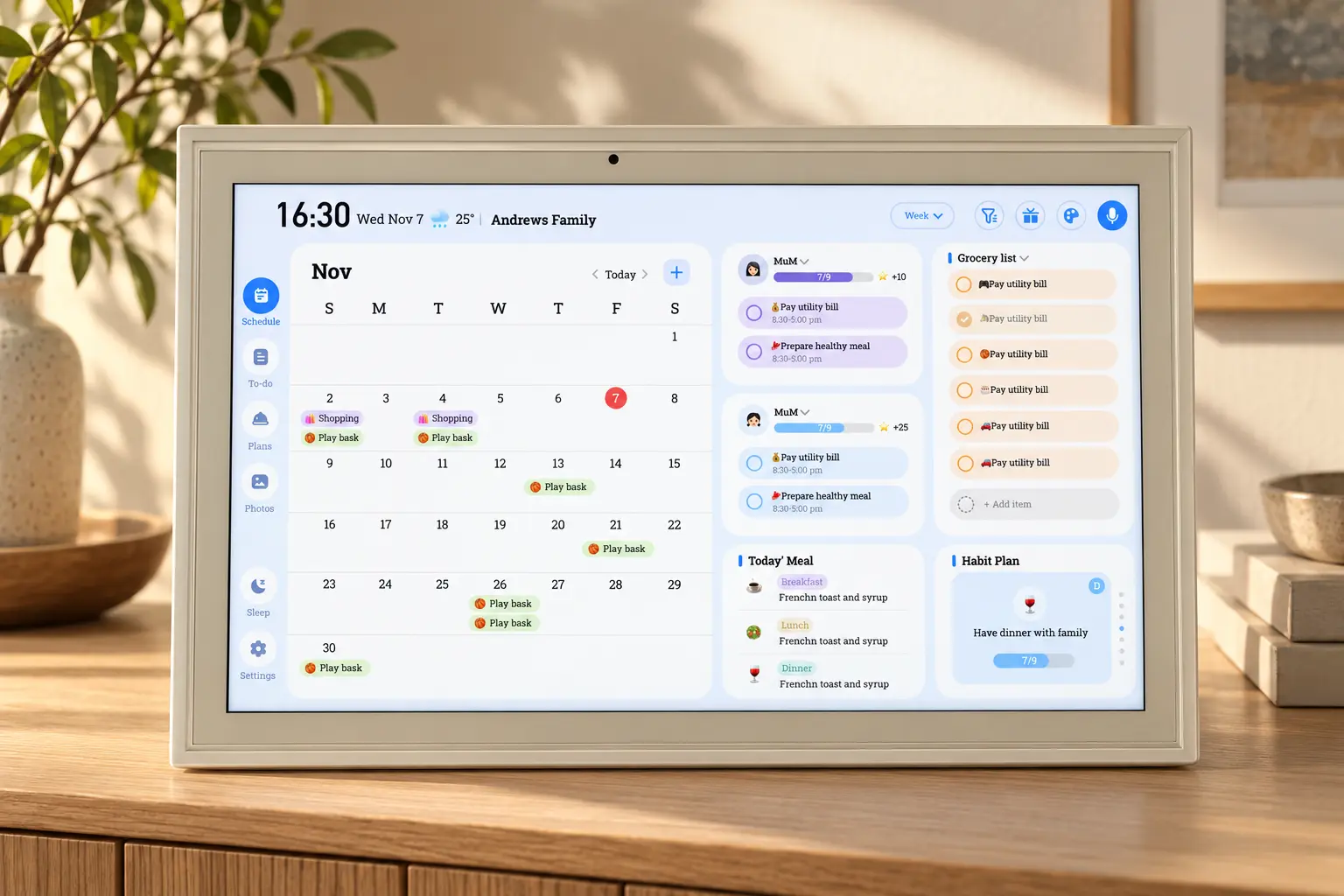
What both editions include
Both bring calendar views, tasks, routines, rewards, meal planning, recipes and family photos into the household's shared display. The FotoCube app supports changes while you are away. Calendar connection methods and refresh timing vary by provider.
| What to compare | Calendar | Calendar Pro |
|---|---|---|
| Shared calendars, tasks, meals and photos | Included foundation | Same foundation |
| Selected app-side Zola AI tools | Availability and limits depend on the AI plan | Availability and limits depend on the AI plan |
| Device-side voice | Do not assume support; check the model | Requires supported microphone hardware and software |
| Message board and extra themes | See the model's feature list | Listed Pro features |
| Night Mode | Available | Available; not an exclusive Pro feature |
| Cloud backup and paid AI allowances | Separate Zola AI plan | Separate Zola AI plan |
When Calendar is a good fit
Choose Calendar when you want the shared schedule, household tasks, meals and photos to stay visible, and you are comfortable using the app for supported AI interactions.
When to consider Calendar Pro
Consider Pro when device-side voice, a message board or extra theme choices would be useful in the room where the display will live. Check the exact model's microphone hardware and software support before buying for voice use.
Frame or a family calendar?
If the display is mainly for photos and videos sent by relatives, start with FotoCube Frame. If the household needs schedules, tasks, rewards and meals on the screen too, choose Calendar or Calendar Pro. You can send photos from the app to a supported display in either case.
Choose an AI plan separately
The Free plan currently lists 30 voice requests per month, one-week AI meal planning and 5 AI photo creations. Plus and Premium add paid tools and different photo/device allowances. The Zola AI plan table is the reference for current prices and limits; the app shows the terms that apply before subscribing.
Start with the setup you need
Compare the Calendar product page and Calendar Pro product page, then follow the first-time setup guide. You can connect your existing calendars once the display is paired.
Ready to try FotoCube?
Download the app and explore the display that keeps your family in step.