
How to Use Voice Commands on FotoCube: A Complete Guide
Use Zola AI to create, change, delete or check events, tasks and alarms by speaking. Start in the FotoCube app. Device-side voice requires supported Calendar Pro hardware and software; check your model before relying on it.
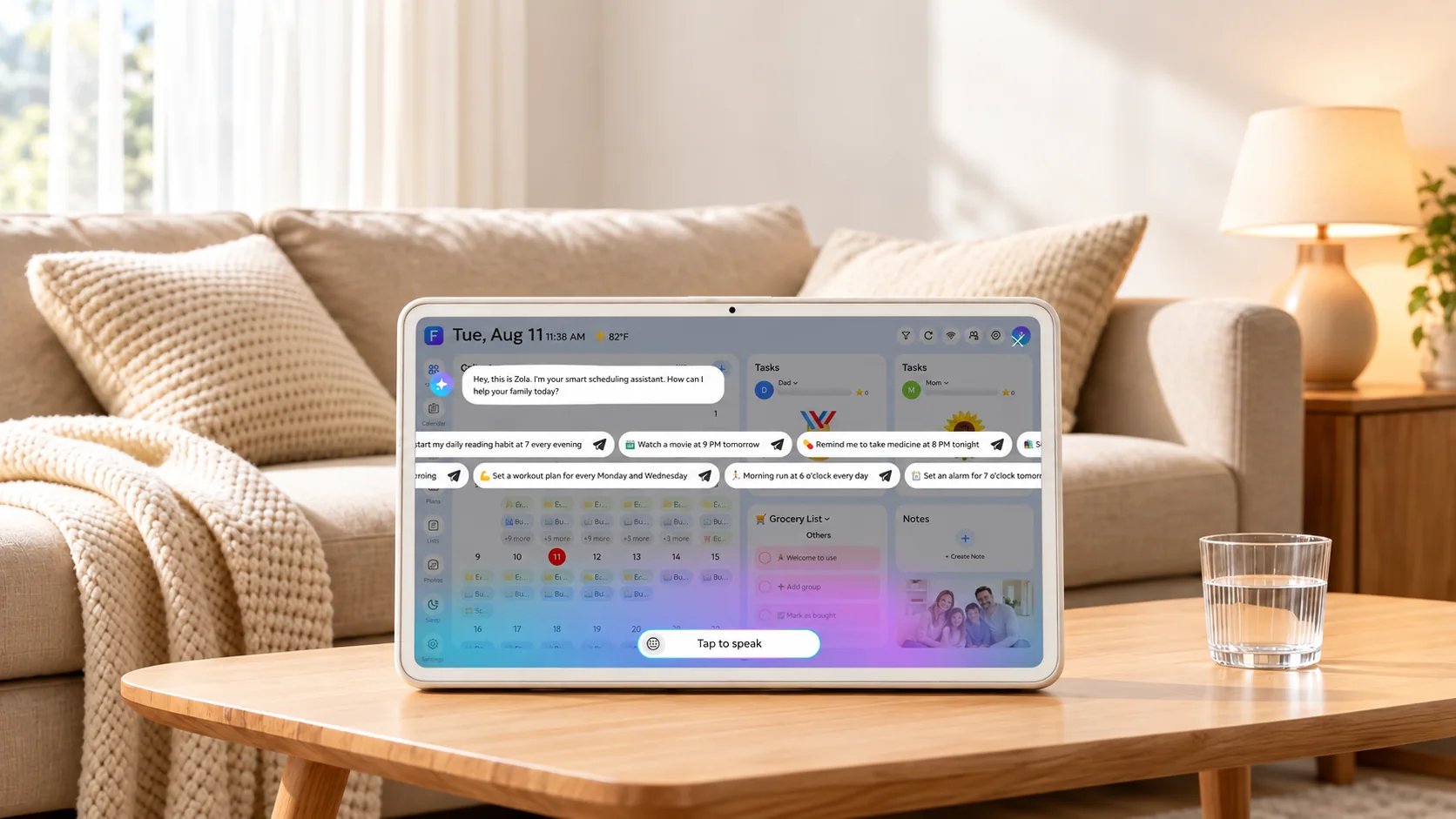
Open voice in the app
- Download the FotoCube app and sign in.
- Pair your display if you have not already done so.
- Open Zola AI and use the voice control shown in the app.
- Say what you want to do, then check the result for the date, time, task or alarm you intended.
For an app-side walkthrough, watch the FotoCube voice tutorial.
Create and change events
- “Add a dentist appointment Friday at 3 PM.”
- “Move soccer practice to Saturday at 10 AM.”
- “Delete the meeting on Wednesday.”
- “What's on the calendar this weekend?”
Give a specific event name and date when more than one item could match. Check the connected calendar and the resulting event; external calendar behavior depends on the provider and sync method.
Add and check tasks
- “Add take out the trash to my task list.”
- “Change take out the trash to tomorrow.”
- “Delete the clean the garage task.”
- “What tasks do I have today?”
These are example phrasings. Recognition and available actions can vary with the device, software and language. You can also manage a task on the display and assign stars and rewards.
Set and manage alarms
- “Set an alarm for 7 AM tomorrow.”
- “Change my 7 AM alarm to 7:30 AM.”
- “Delete the 7:30 AM alarm.”
- “What alarms are set for tomorrow?”
Check the alarm time and repeat settings in the interface after making a change.
If the result is not what you meant
Repeat the request with a more specific name or time, or edit the item in the app or on the display. If several events have similar names, check which one was changed. Contact support if the same request continues to fail, including your device model and software version.
Check availability and limits
The Free plan lists 30 voice requests per month. Paid voice terms and device eligibility are shown in the app and on the Zola AI plans page. Weather queries, device settings, smart lists and ingredient management are listed as upcoming features on that page; they are not part of this guide's current voice examples.
For meal planning, continue with the Zola AI meal-plan guide.
Related articles
Ready to try FotoCube?
Download the app and explore the display that keeps your family in step.